Imaging & clinical studies
From an uploaded image to a reviewed piece of the story.
Organize X-rays, MRI images, and clinical studies with the patient. Review the analysis, keep your decisions visible, and choose exactly what goes into the next document.
21 days · No credit card required
01 / Upload & organize
The images can arrive before the visit.
Start an imaging upload without creating a SOAP note. Choose the files, confirm an existing patient or create a chart, and complete the image details before uploading.
- Track pending, analyzing, completed, and failed uploads in the imaging worklist.
- Keep supported exam and series metadata with the study.
- Associate evidence with the relevant visit or PI case where the workflow supports it.
Selecting a patient puts the upload in that chart. It does not automatically add findings to a visit note.
02 / X-ray, MRI & studies
Give every source the right context.
X-ray and MRI images support AI-assisted observations. DICOM ingestion preserves supported identifiers and metadata. Clinical study uploads support descriptive review of reports such as sEMG and range-of-motion assessments.
- Review body region, laterality, view, or MRI sequence when available.
- Keep the radiology report and its source attribution with the exam when provided.
- Distinguish a source-report statement from an AI observation.
Supported DICOM ingestion and sequence metadata do not establish complete volumetric interpretation. A selected image or incomplete series cannot represent everything in an exam.
03 / Correct & Re-read
A second look, with a clear comparison.
Describe the concern and request another analysis. Compare the current observations with the proposed revision and review what changed before deciding.
- The concern can be supported, not supported, or indeterminate.
- Keep the current analysis or accept the proposed revision.
- Prior versions and decisions remain available in history.
Accepting a revised analysis does not, by itself, approve individual findings for SOAP use.
Read the re-read guide04 / Finding review
Make the decision at the finding level.
Work through individual source statements. Confirm what you support, amend the wording when needed, reject unsupported statements, or preserve uncertainty.
- Review the source and save your selected decisions with attestation.
- Keep the source, provider decision, and relevant uncertainty together.
- Review again when the underlying analysis changes.
These controls support documentation review. They do not replace qualified interpretation of the original exam.
05 / Use in a SOAP draft
Preview it before it enters the note.
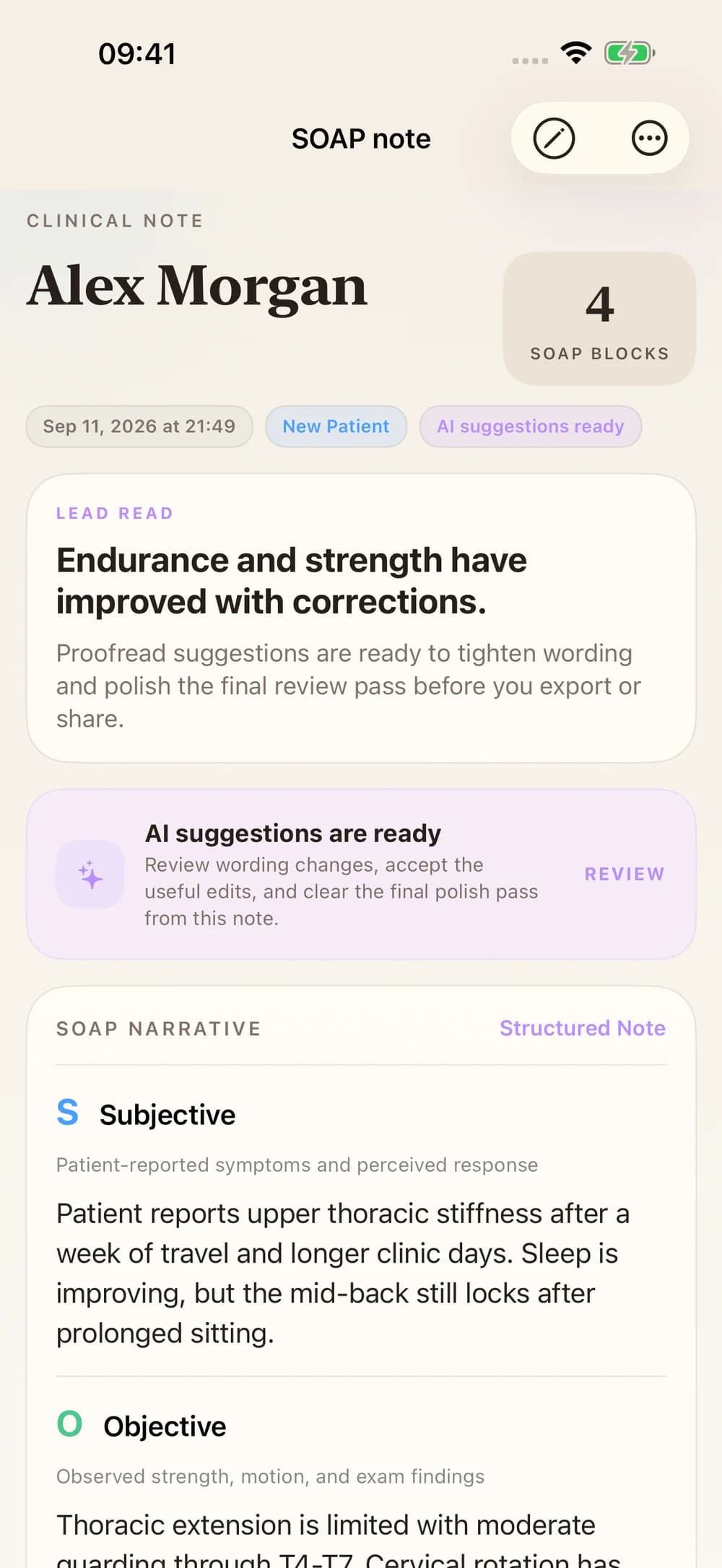
After saving confirmed or amended findings, choose a destination draft and preview the exact addition. Apply it when the content and destination are right.
- The explicit addition goes to Objective.
- Assessment and Plan remain unchanged by that addition.
- Rejected or uncertain findings are not eligible for this addition.
- A destination selection alone does not save an addition.
06 / Reports & PI
Give the next reader the context.
Prepare a report from supported reviewed evidence. Combined imaging narratives cover confirmed X-rays or confirmed MRIs in separate modality-specific reports, with standard and attorney variants.
- Review the images and statements included in the report.
- Retain relevant source references and uncertainty.
- Use the PI evidence timeline to inspect the case context.
Clinical studies are not part of the combined X-ray/MRI synthesis report. Export formats and confirmation requirements vary by document.
Explore PI evidence and reports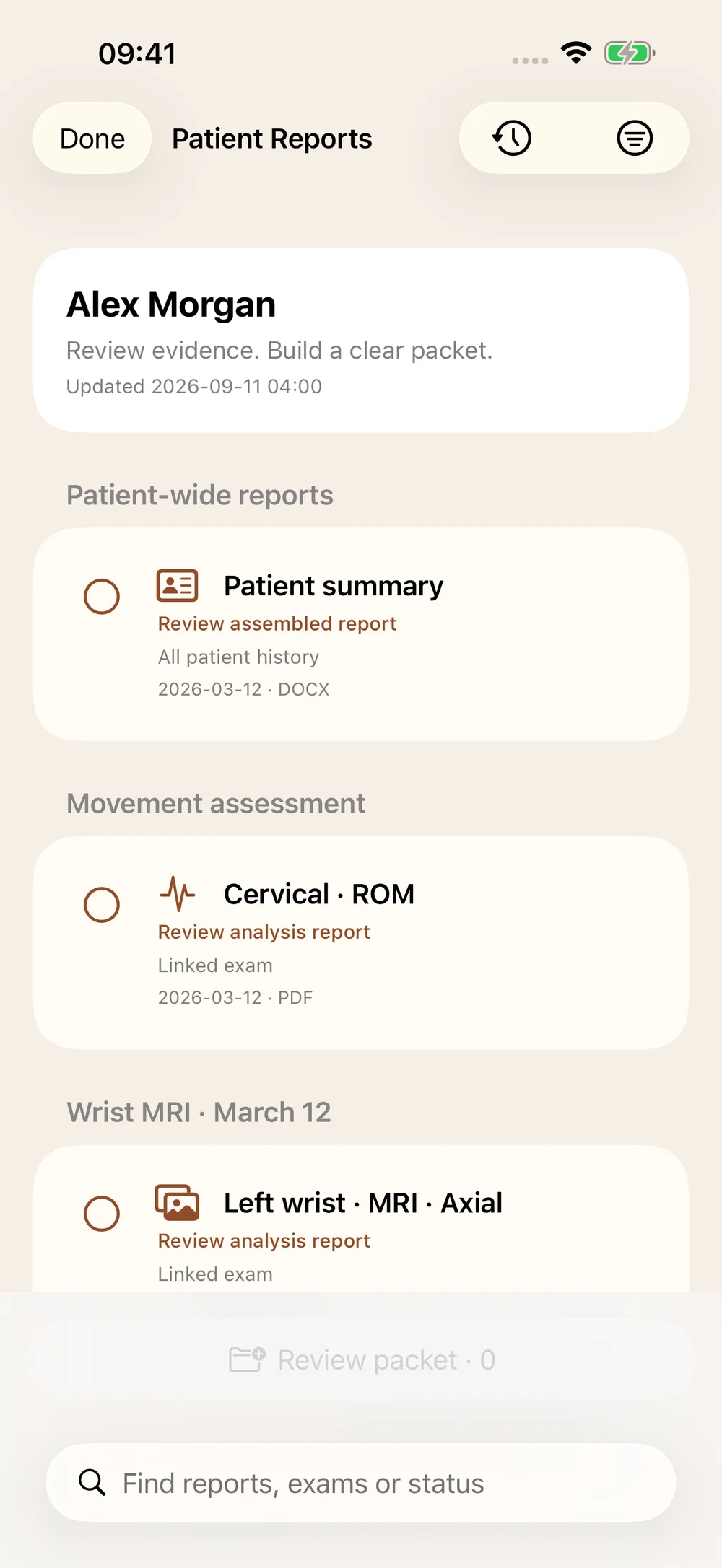
A closer look
Questions, answered.
Do I need a patient or SOAP note before uploading?
A SOAP note is not required. Select an existing patient or create a chart during intake so the upload is assigned to the correct person.
Why is Preview exact addition disabled?
Save at least one eligible confirmed or amended finding first and choose an available destination draft. Complete the required attestation when saving review decisions. A re-read approval alone does not complete this step.
Will accepting a re-read change my SOAP note?
No. Keeping or revising an analysis is separate from reviewing individual findings and explicitly applying a preview to a SOAP draft.
Can this detect or rule out a tumor?
ChiroScribe is not presented as a validated tumor-detection or cancer-exclusion system. AI observations and research evaluations must not be treated as that capability. The original exam needs appropriate clinical interpretation.
Does DICOM support mean the entire MRI is interpreted volumetrically?
No. Preserving a complete exam, its sequences, geometry, and report supports better organization and future evaluation. It does not itself validate full-volume interpretation.
Does uploading patient images automatically train a model?
An upload supports the patient workflow. It is not evidence that model training occurred. Research-corpus evaluation is a separate process from provider uploads and clinical review.
Where can I see plan availability?
See the Pricing page for imaging features and current plan inclusions, or book a walkthrough for your practice’s study workflow.