Personal injury & auto accident practices
A clearer case starts with a connected record.
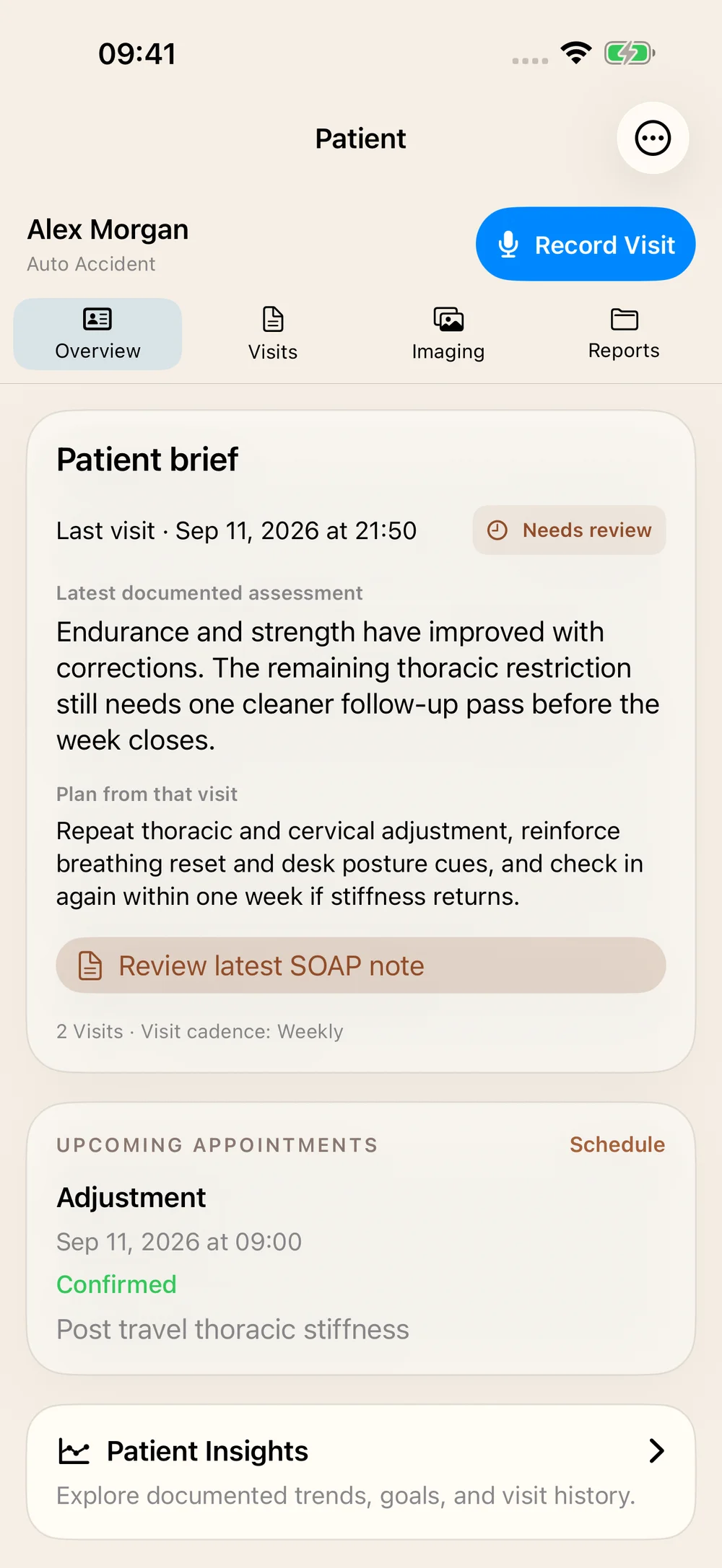
Bring injury details, visits, outcomes, and reviewed imaging into a PI workflow that helps you see what is documented, what needs attention, and where each statement came from.
21 days · No credit card required
01 / Case details
Start with the facts of this injury.
The PI case workspace keeps injury date, mechanism, prior history, work status, attorney information, carrier details, and claim information together.
- Distinguish patient-reported history, provider-confirmed information, and outside records.
- Maintain case status, work-status dates, and relevant case milestones.
- Add the details the chart does not already contain; unknown facts stay unknown.
An upload or case-type label cannot supply missing accident details. Providers verify the case record.
02 / PI Agent checks
See the missing pieces while you can still address them.
PI evidence checks surface specific documentation gaps with supporting context and a suggested next action.
- Missing mechanism, prior-history statement, or work status.
- Unexplained care gaps and missing activity-with-pain documentation.
- Baseline or re-exam outcome measures that are not on file.
- Other case-dependent reminders, with provider review of their relevance.
These are documentation checks, not a case-value score, clinical diagnosis, or guarantee of reimbursement.
03 / Evidence timeline
Follow the story back to its source.
The PI narrative workspace organizes case details, visits, imaging, and outcomes in a date-filtered evidence timeline. Open the original chart source when you need to verify a statement.
- Filter by case details, visits, imaging, or outcomes.
- See source attribution and review status alongside the available facts.
- Inspect earlier dates when pre-injury history matters.
Visits and imaging can be chart candidates; the provider still reviews their relevance to the specific injury. The evidence timeline is a preparation workspace, not an automatically approved final narrative.
04 / Reviewed imaging
Make each imaging decision visible.
Review AI observations against the source. Request a re-read if needed, compare the proposal, and keep or revise the current analysis. Review individual findings separately before adding them to a SOAP draft.
- Preserve the distinction between an AI observation and a radiology-report statement.
- Record confirmed, amended, rejected, or uncertain findings.
- Review relevant imaging before using it in case documentation.
05 / Report preparation
Bring the evidence into the document.
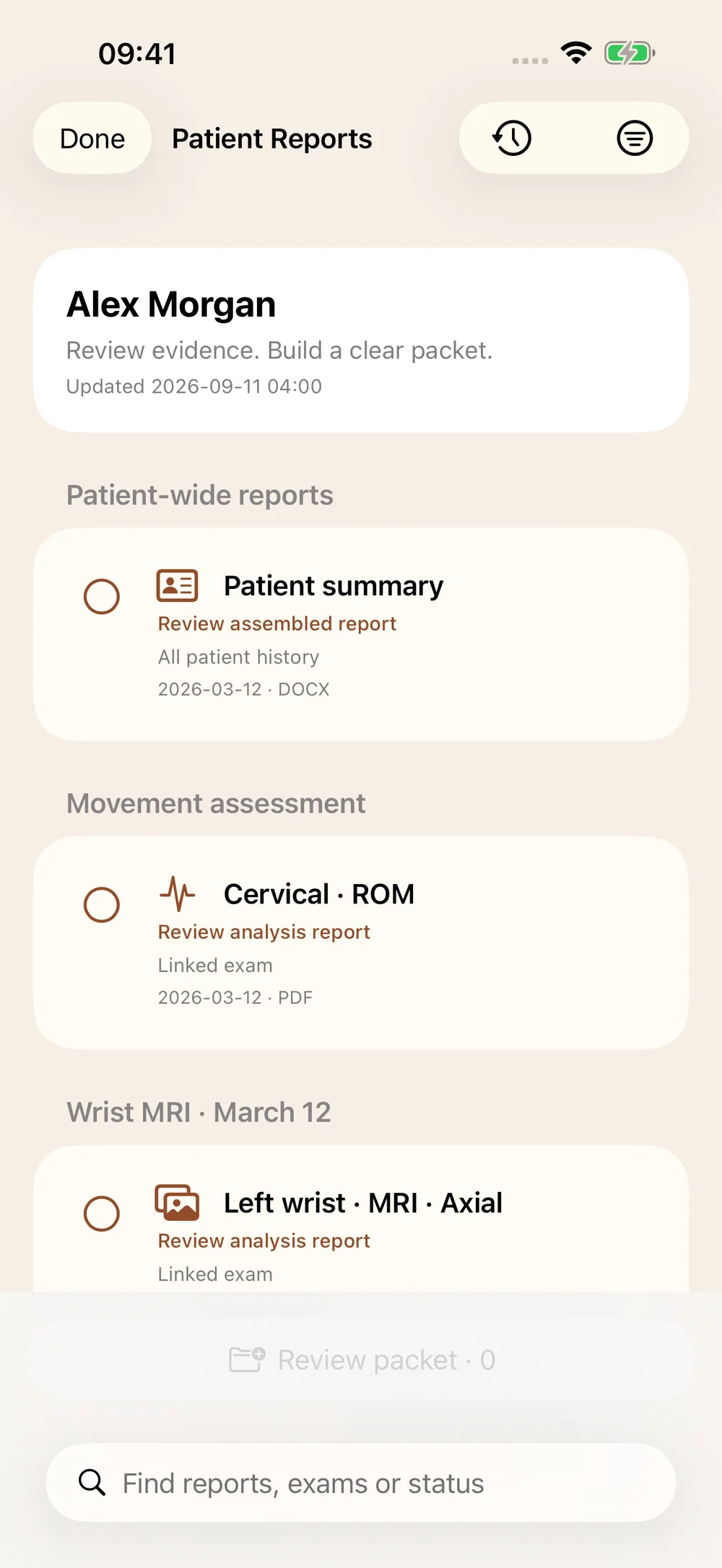
Prepare patient, imaging, and insurance reports from the chart. Supported combined imaging narratives gather confirmed X-rays or confirmed MRIs into a modality-specific Word report, with standard and attorney variants.
- Review source references, dates, and the relevant clinical history.
- Keep X-ray and MRI narrative scopes distinct.
- Review future-care estimates and their assumptions when included in the case workflow.
The provider determines clinical interpretation, causation, prognosis, and the content of the final report. Documentation software cannot guarantee a legal outcome.
A closer look
Questions, answered.
What does the PI Agent do?
It checks the available PI record for defined documentation gaps and presents supporting context and suggested actions. The evidence timeline helps the provider review chart sources when preparing a narrative.
Does it automatically establish causation?
No. Injury details, timing, prior history, examination findings, and source records support the provider’s reasoning. A case label or AI-generated statement does not establish causation.
Will I still enter case details?
Yes, when the facts are not already documented. Verify the mechanism, injury date, work status, and claim contacts. The workspace organizes these details so they can be reviewed alongside visits and imaging.
Can I create an attorney imaging report?
Yes. Supported synthesis reports combine confirmed X-rays or confirmed MRIs into a Word document with standard and attorney variants. Review the scope and source findings before sharing.
Does the evidence timeline automatically link every image to this accident?
No. Chart candidates require review for their relevance to the specific case. Patient ownership and injury association are different decisions.