A booking link that works for your practice.
Patients choose from your appointment types and available times. Your team sets the hours, durations, and provider availability.
Explore online booking ↗THE CONNECTED PRACTICE / SCHEDULING
Patient booking, provider availability, recurring visits, and reminders — connected to the place you document care.
21 days · No credit card required
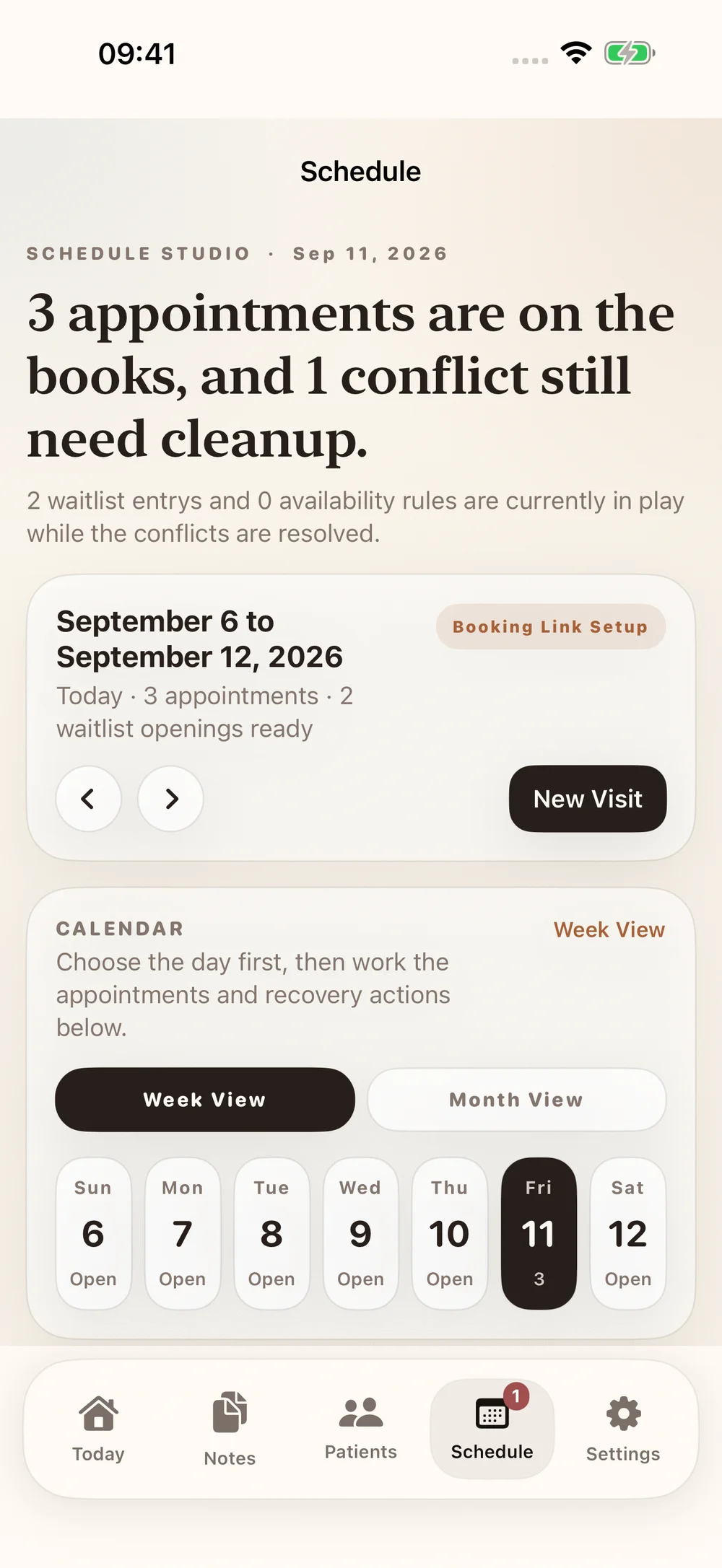
A NATURAL NEXT STEP
Patients choose from your appointment types and available times. Your team sets the hours, durations, and provider availability.
Explore online booking ↗Build recurring appointment series from treatment cadence. Review conflicts and proposed dates before committing the schedule.
Plan recurring visits ↗Manage confirmations, appointment reminders, and the waitlist in the same workflow. SMS appointment texts depend on patient opt-in.
Understand appointment texts ↗KEEP THE CONTEXT
Move between the patient record, SOAP notes, imaging review, and reports with the context of care close at hand.
Follow a visit through ChiroScribe ↗Chiropractic scheduling software helps practices manage patient appointments, provider availability, and recurring visits. ChiroScribe connects those scheduling tasks with its documentation workflow.
Patients can use your public booking page to choose an appointment type and an available time. Your practice configures availability and booking settings.
Each provider can have their own availability, including separate morning and afternoon time blocks.
You can prepare recurring appointment series, review availability and conflicts, and use the patient schedule approval workflow.
ChiroScribe supports confirmations and reminders with patient SMS opt-in. The support guides explain consent, appointment notices, and patient replies.
Scheduling is included in Solo and Practice plans. Visit the pricing page for current plan details.
MAKE IT PART OF YOUR PRACTICE